Studio
Pitchbook slides and model checks in one place: tombstones, football fields, waterfalls, model diffs and audits.
A deal list, a valuation range or a workbook in; editable PowerPoint or a marked-up Excel file out.
Five applications for deal and research work, included in Pro and the Inner Circle, and free tools for every stage of the search.
Each one runs in your browser and hands you a file you can use: a slide, a map, a chart or a ledger.
Pitchbook slides and model checks in one place: tombstones, football fields, waterfalls, model diffs and audits.
A deal list, a valuation range or a workbook in; editable PowerPoint or a marked-up Excel file out.
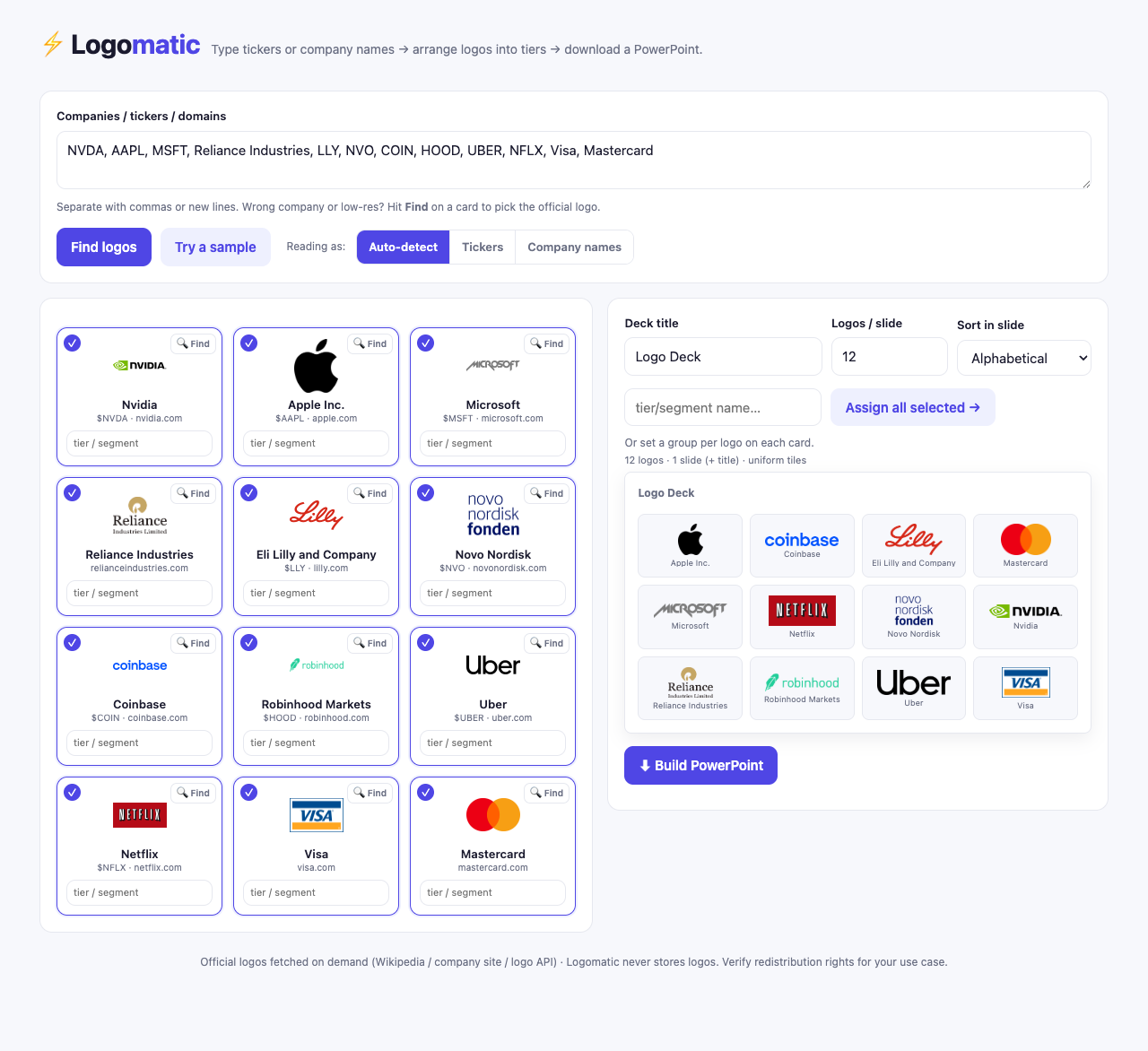
Type tickers or company names and get a clean, alphabetised logo slide for a comps page or a credentials deck.
A list of companies in; a PowerPoint of their logos, arranged in tiers, out.
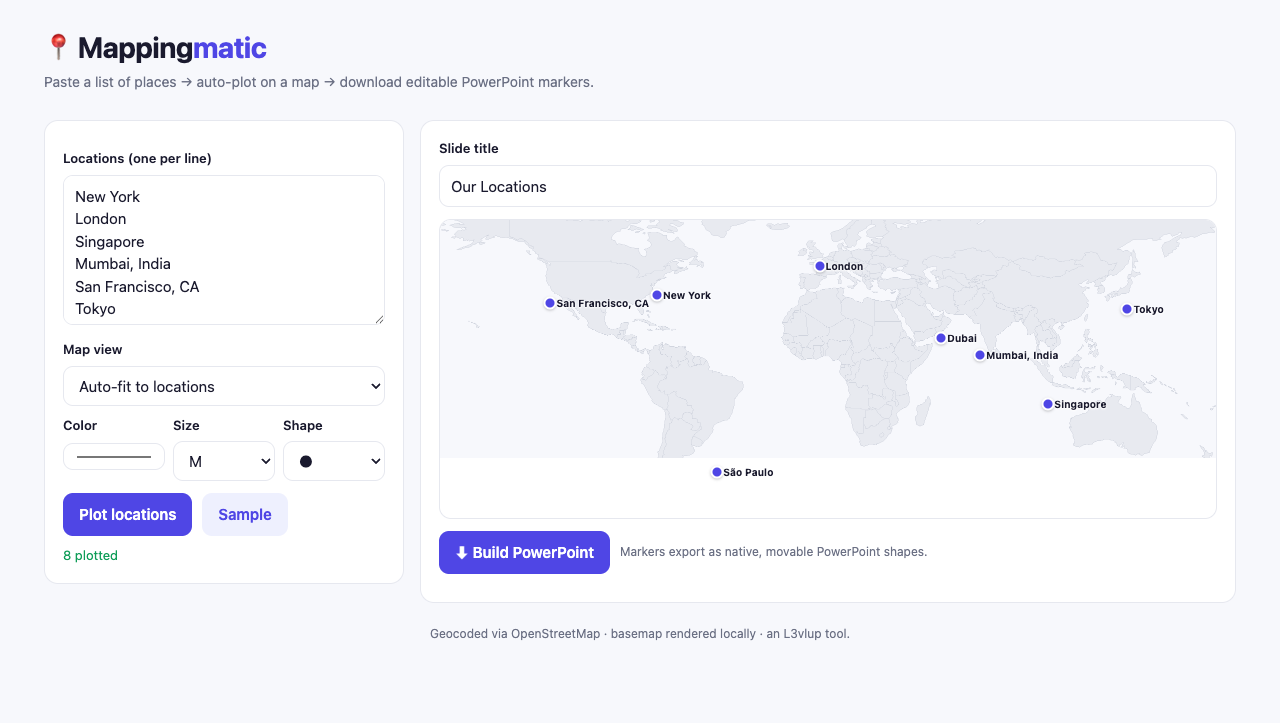
Paste a list of offices, assets or sites and plot them on a map you can still edit in PowerPoint.
A list of places in; a map slide with movable, recolourable markers out.
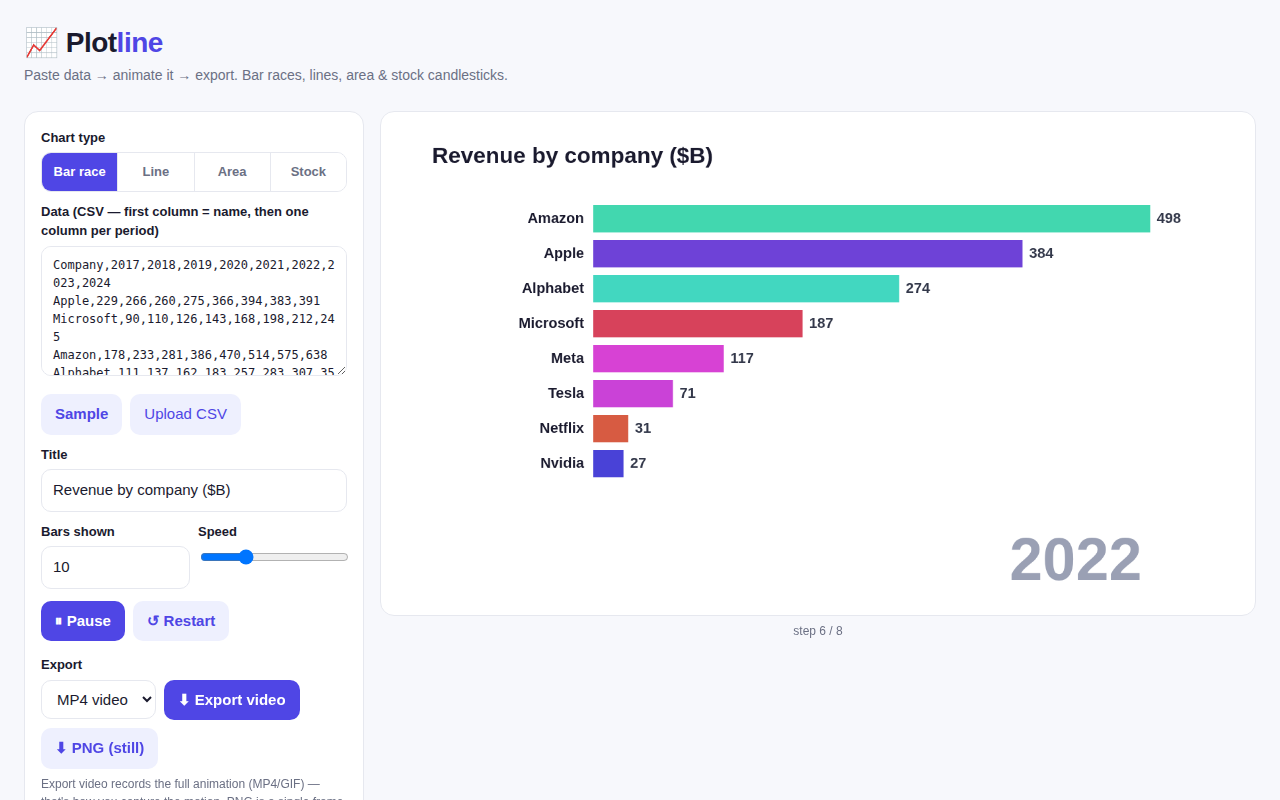
Turn a table of figures over time into an animated bar-chart race, for a presentation or a post.
A wide CSV, one column per period, in; an animated chart and an image export out.
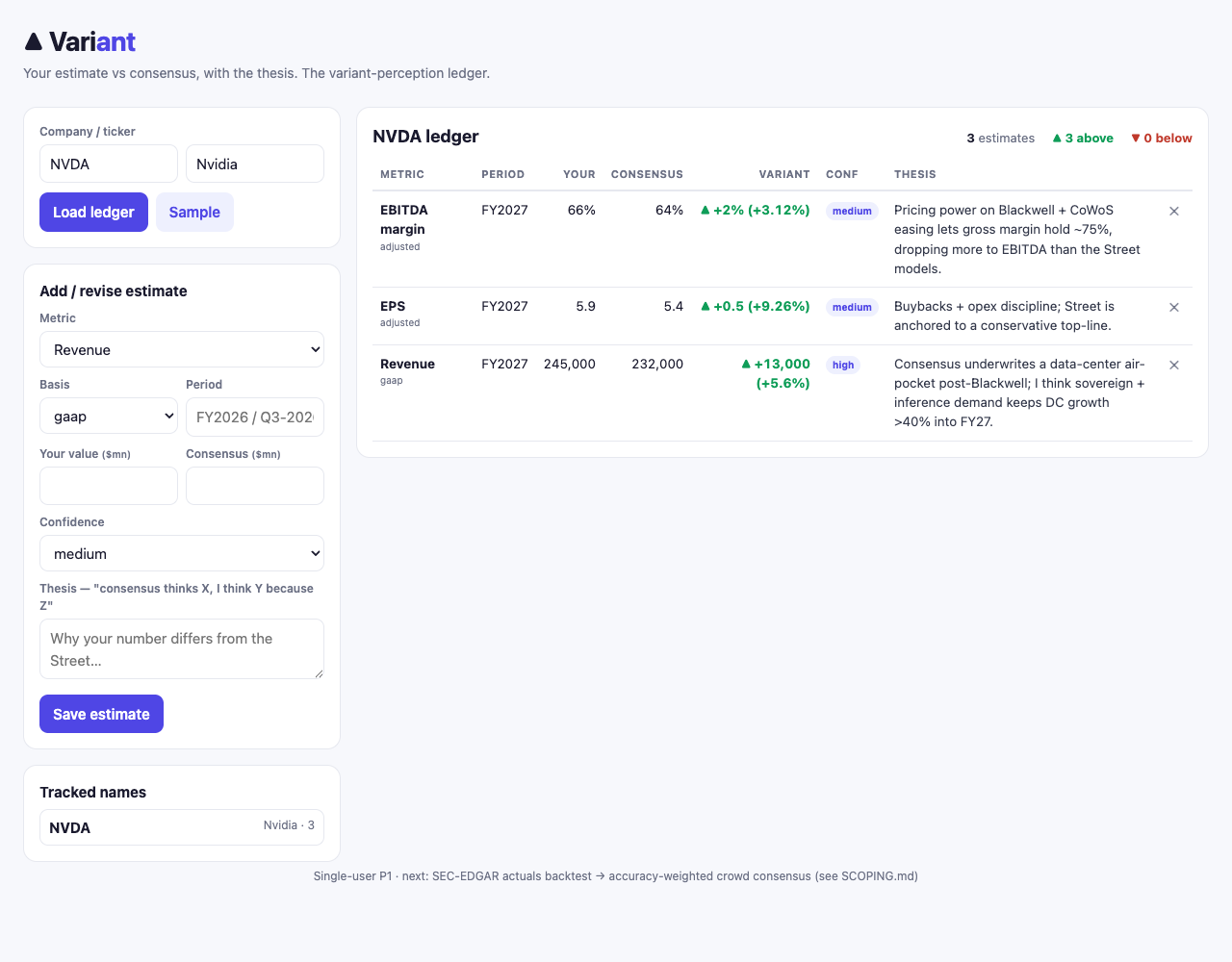
Record your estimate against consensus, with the reason you differ, and see where your view sits.
Your number, the consensus and your thesis in; a ledger of where you are above or below the Street out.
Free to use, and each one leads to the next step in a search: find the role, save it, write the application, practise the interview.
Open roles and deadlines across IB, PE, HF, ER, Corp Dev, Quant and tech, globally, checked daily.
Save a role, keep its deadline and stage, and see what to do next. No account needed to start.
Build a finance CV in your browser and watch it come together: guided sections with per-bullet coaching, ATS-safe templates, formatting controls that carry into the download, a live 0–100 score, and keyword targeting against any job description. Free PDF and Word export.
Write a letter they finish: five guided paragraphs, block-letter templates, a live score that names the cliché and the unevidenced claim, and matching against live tracked roles. Free PDF and Word export.
The question asked aloud, the model answer hidden until you commit, then marked against a published rubric. Three marked answers a day free.
Short, interactive exercises: paper LBO, accretion and dilution, reverse DCF, WACC, mental maths and more. Five to fifteen minutes each.
Workflows that produce a piece of work: an earnings teardown, a comps set, a stock pitch, an IC memo, a model audit.
Plan interviews and prep calls across ET, PT, London, CET and APAC in one view.
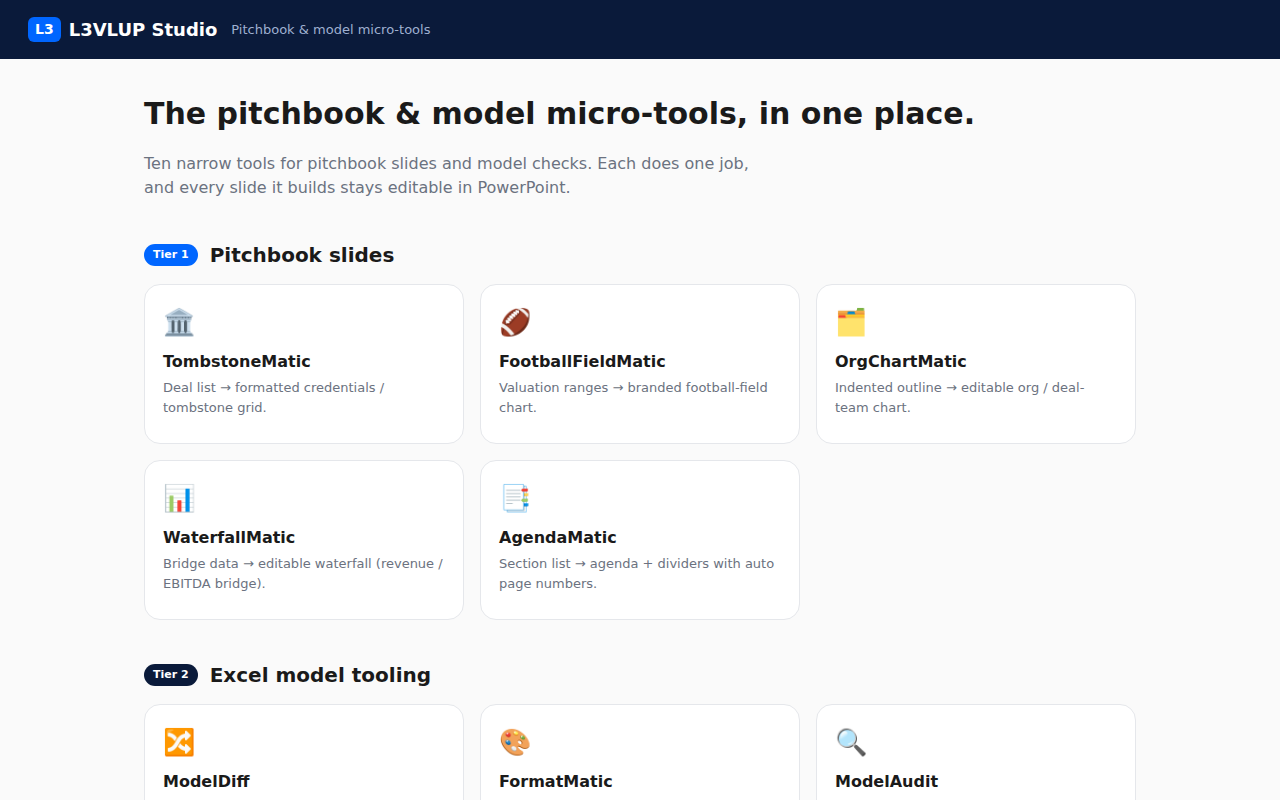
Studio, the first of the applications above, holds ten pitchbook and model tools. Each does one job and says what the job is, so it is usable whether or not you have built one before.
Deal list → formatted credentials / tombstone grid.
Credentials and tombstone pages
A tombstone is the small block naming one deal: target, acquirer, value, and the role the bank played. A credentials page is a grid of them, and it is the slide that argues why this bank should run the mandate. Built by hand it is dozens of boxes that all have to sit on the same grid and stay there when one is added.
Valuation ranges → branded football-field chart.
Valuation range charts
A football field stacks one horizontal bar per valuation method, so trading comps, transaction comps, a DCF and the 52-week range sit above each other and the overlap between them is visible at a glance. It is the most-used chart in a sell-side pitch and among the most tedious to build from a spreadsheet.
Indented outline → editable org / deal-team chart.
Organisation and deal-team charts
Boxes and lines showing who reports to whom, or which bankers sit on which workstream. Presentation software has no native version worth using, so these get drawn box by box and redrawn every time somebody joins or leaves.
Bridge data → editable revenue / EBITDA waterfall.
Bridge and waterfall charts
A waterfall shows how a number got from one period to the next: last year's revenue, then one bar per driver such as price, volume, currency and acquisitions, then this year's. It turns a variance table into something a committee reads in ten seconds.
Section list → agenda + dividers with auto page numbers.
Agenda pages and section dividers
The contents page at the front of a pitchbook, and the divider before each section, with page numbers that stay correct when a section moves. Done manually, reordering a deck means renumbering all of it by hand.
Two models → cell / formula / value diff report.
Model version comparison
Two versions of the same model compared cell by cell: which formulas changed, which values changed, and which rows are new. It answers the question you have when a model comes back from somebody else and you cannot see what they touched.
Model → blue inputs / black formulas / green links.
Model colour conventions
The convention every bank uses: blue for hardcoded inputs, black for formulas, green for links to another sheet. It exists so a reviewer can see at a glance where the assumptions live. Applying it by hand across a finished model takes an evening.
Model → flags hardcodes, broken refs, inconsistent rows.
Model error checking
Flags the things that quietly break models: a hardcoded number buried inside a formula, a broken reference, a row where one column calculates differently from its neighbours. These are the errors that survive a read-through and surface in a diligence session.
Model → automated audit + analyst-grade written review.
Written model review
An automated audit plus the written review an associate would give an analyst: what is wrong, what is fragile, and what a reviewer will ask about first.
Company name → drafted overview / industry slides.
First-draft company and industry slides
Company overview and industry pages drafted from a company name, so a first version of the boilerplate exists before you start editing. The research and the judgement stay yours; the blank page does not.
Answer first. Then see the answer, and how yours was marked.
A mock technical interview that hides the model answer until you have given yours, then marks it against a published rubric: the trap you walked into, what was missing, the one fix. Accounting, valuation, DCF, M&A, LBO, markets and credit, asked aloud, answered aloud.
Free is a complete product for running a recruiting cycle. Pro removes the count on the research library, keeps your graded runs, and gives you an Apply Pack on any role on the tracker board.
Every free tool stays free. Free accounts also get three marked answers a day, the last three results and ten research documents.
Interviews and prep calls run across continents. Line up ET, PT, London, CET and APAC, add your own city, and find the hour where everyone's actually at their desk.
Every tool here maps to a professional workflow in L3VLUP Skills — what to delegate to AI, what to verify, and where your judgment earns its keep.
What opened this week, what moved in the market, and what to prepare for it. One email, written for the people applying.
One email a week, free, and you can leave at any point.
Every model here is only as good as the assumptions behind it. A discovery session stress-tests yours the way a real interviewer will.